(light) Music Instruments: Simulated Musical Keyboard
(light) Music Instruments is a simulated musical keyboard by ngfSoft that lets you play melodies with 76 sounds from around the world.
Download App · v3.00(light) Music Instruments offers 76 instruments across five categories including Wind, Strings, and Percussion, with a three-octave keyboard and multi-touch support. It is designed for anyone who wants to explore global sounds, works on phones and tablets, and is free with ads. The app requires Android 5.0 or later and downloads at 13 MB.
- Version
- 3.00
- File Size
- 13 MB
- Requires Android
- 5.0
- Last Updated
- 06.12.2024
- Installations
- 50K+
- User Rating
- ★ 1.20 (312)
- Category
- Music
- Developer
- ngfSoft
- Content rating
- Everyone
- Package
- learn.read.music.MusicInstruments_lite
- Free
- ✓ · Contains ads
Previews
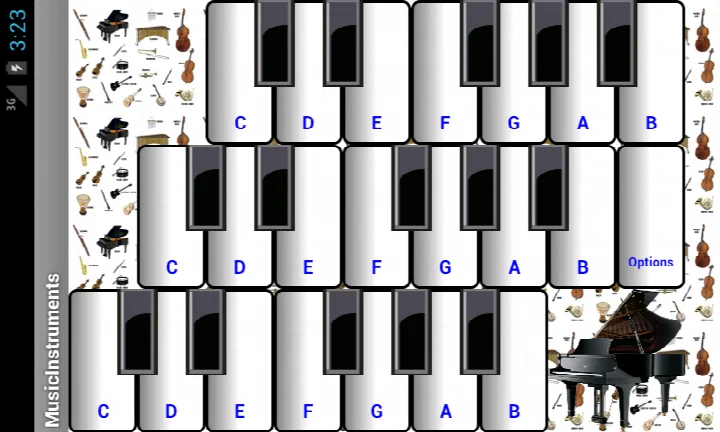
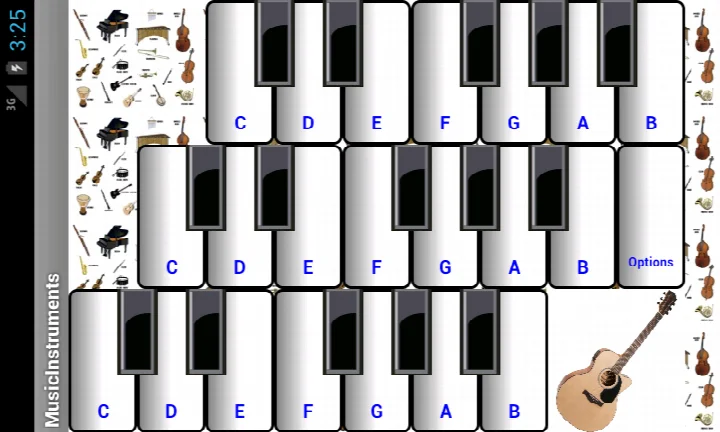
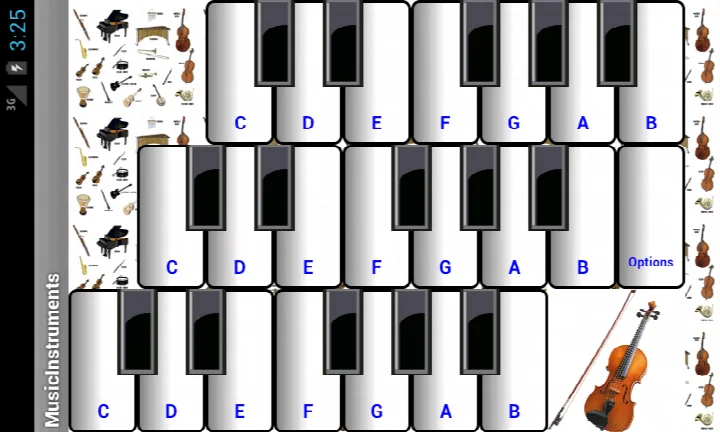
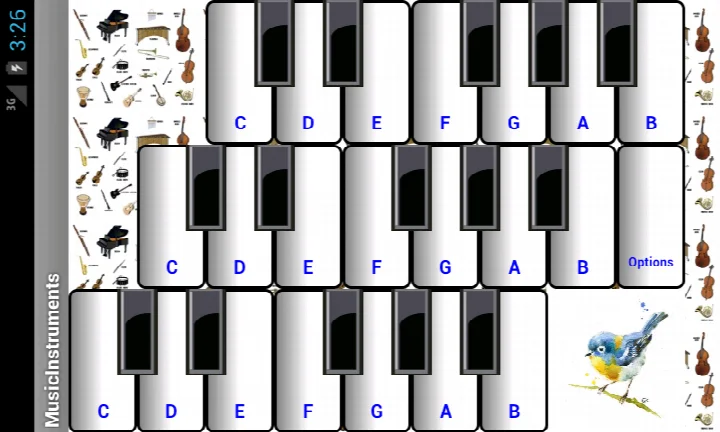
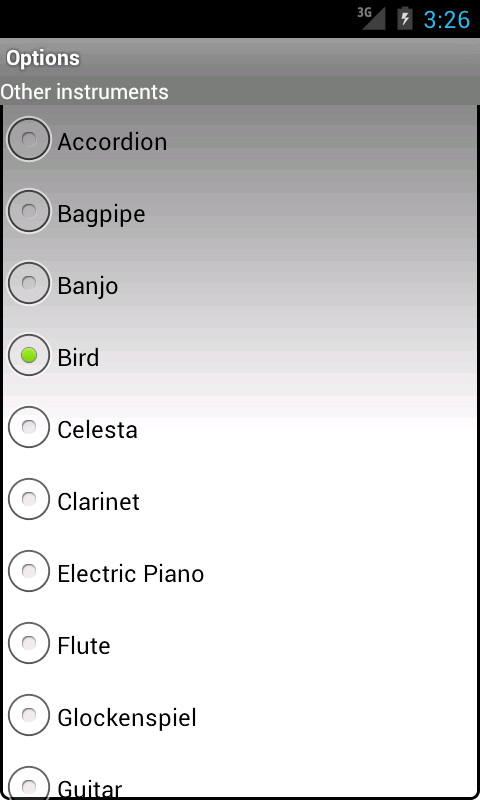
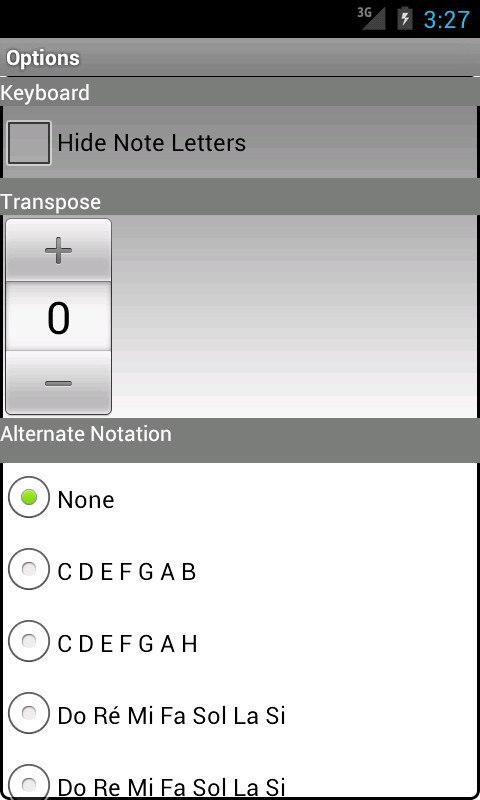
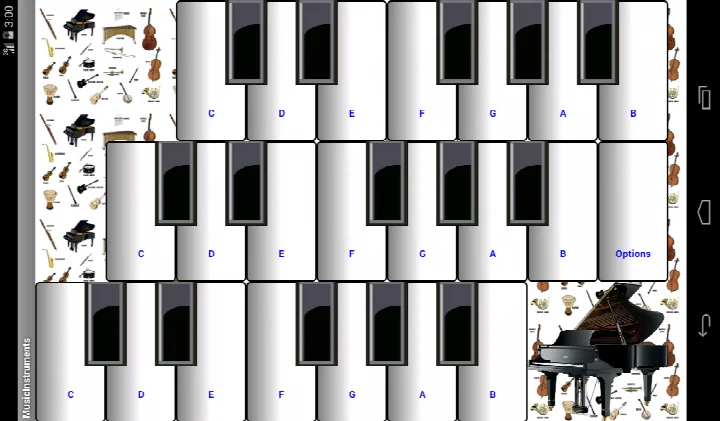
(light) Music Instruments is an educational music simulation app by ngfSoft that lets users play simulated instruments from around the world. The app addresses the need for a simple, portable way to explore different musical sounds without owning physical instruments. It provides a multi-touch keyboard spanning three octaves and includes 76 instrument sounds across five categories, making it easy to try melodies from various cultures. The current version contains advertisements, and the app requests location permission despite its purely musical purpose.
Key features
- Offers 76 different musical instruments or sounds grouped into five categories, including wind, string, and percussion families
- Simulated keyboard spans three octaves for playing a broad range of melodies
- Supports multi-touch input with more than three fingers, depending on device hardware
- Note transposition up or down by a half tone lets users accompany real physical instruments
- Includes sounds from various cultures and countries around the world
- Compatible with both phones and tablets
How to install
- Tap the download button on this page to get the APK file.
- When Android asks, allow your browser or file manager to install apps by enabling the 'Install unknown apps' setting.
- Open the downloaded APK file, which is about 13 MB in size.
- Tap Install and wait for the process to finish.
- Open the app. Your device must run Android 5.0 or higher.
Pros
- Large collection of 76 instruments and sounds across five categories
- Multi-touch support allows chord playing with several fingers
- Note transposition helps users play along with real instruments
- Works on both phones and tablets
- Free to download and use
Cons
- Requests access to device location, which seems unnecessary for a music simulation app
- Displays advertisements, which can interrupt the experience
- No in-app purchase option to remove ads
- Low average user rating suggests inconsistent performance or user satisfaction
- Does not appear to receive frequent feature updates
Previous Versions
| Version | File Size | Requires Android | Last Updated |
|---|---|---|---|
| 3.00 | 13 MB | 5.0 | 06.12.2024 |
This app suits casual users, families, and children who want a playful introduction to musical sounds from different cultures without investing in physical instruments. It is not intended for professional musicians or serious learners who need advanced practice features.
Use the half-tone transposition feature when playing with acoustic instruments, and experiment with multi-touch chords to hear how different instrument groups blend.
App Permissions
Common Inquiries
How do I install the (light) Music Instruments APK on my Android device?
Download the APK using the download button on this page, then open the file on your phone or tablet. Your device needs Android 5.0 or later, and you may have to allow installs from your file manager or browser in the system settings before the installation can finish.
What is the current version of (light) Music Instruments?
The current version is 3.00, released on December 6, 2024. The app first came out in February 2016 and requires Android 5.0 or newer.
Does (light) Music Instruments show ads or offer in-app purchases?
Yes, this version contains advertisements. There are no in-app purchases, and the app itself is free.
Can I use (light) Music Instruments without an internet connection?
The app is a simulated keyboard with built-in instrument sounds, so playing melodies does not depend on streaming content. The listing does not provide details about online features, so expect the core playing experience to work on the device itself.
How many instruments and octaves does (light) Music Instruments offer?
It includes 76 musical instruments and sounds arranged in 5 categories, including Wind, Strings and Percussion. The keyboard spans 3 octaves and supports multi-touch with more than 3 fingers depending on your device.
Does the app let me play along with real instruments?
Yes. A note transposition feature shifts the pitch up or down by half a tone, which helps when accompanying physical instruments. The app works on both phones and tablets.
What other kinds of apps could I try if I want a similar music learning tool?
You could look at other educational music apps that offer virtual keyboards, instrument simulators or melody practice. Compare their instrument selection, keyboard range and Android version requirements to find one that fits your device and needs.
While the instrument selection and multi-touch support make it interesting for casual exploration, the location permission request and ad-supported model are notable drawbacks. It works best as an occasional, playful soundboard rather than a serious practice tool.
Comparable Apps





Last Updated: 18.10.2026