
Real Guitar - Tabs and chords! Virtual Instrument App
Real Guitar - Tabs and chords! is a free music app by iGroove - Game Master that lets you play acoustic, electric, and classic guitar simulations with chords and tabs.
Get App · v2.1.6Real Guitar - Tabs and chords! takes up about 62 MB and runs on Android 6.0 or newer. The app contains ads and offers in-app purchases. It is designed for anyone from beginners to experienced musicians who want a portable practice tool with over 2000 chords and a library of songs.
- Version
- 2.1.6
- Size
- 62 MB
- Requires Android
- 6.0
- Updated
- Jun 8, 2026
- Installs
- 5M+
- Rating
- ★ 4.22 (10,541)
- Category
- Music
- Developer
- iGroove - Game Master
- Content rating
- Everyone
- Package
- com.iGroove.guitar
- Free
- ✓ · Contains ads · In-app purchases
App screenshots
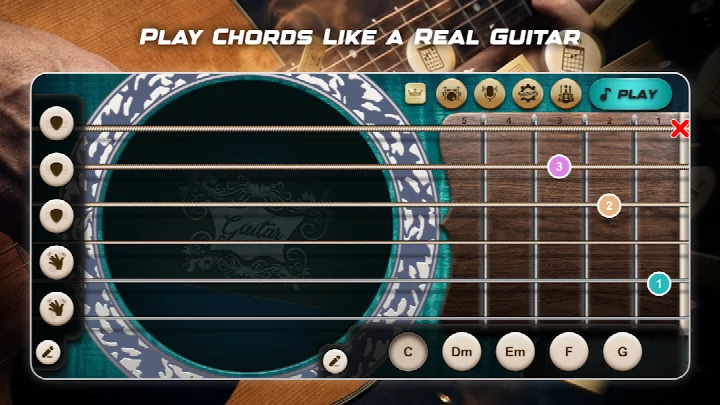
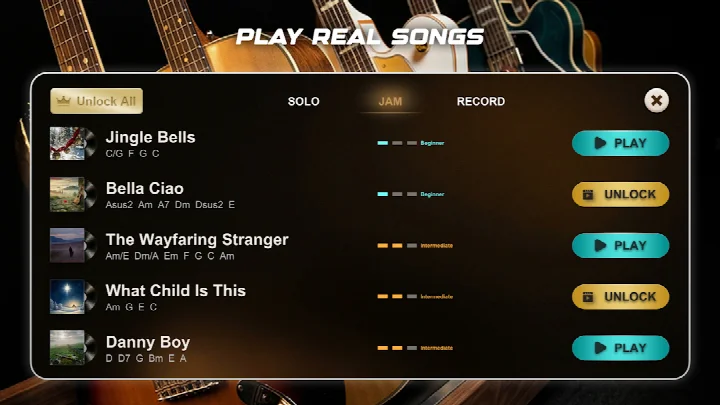
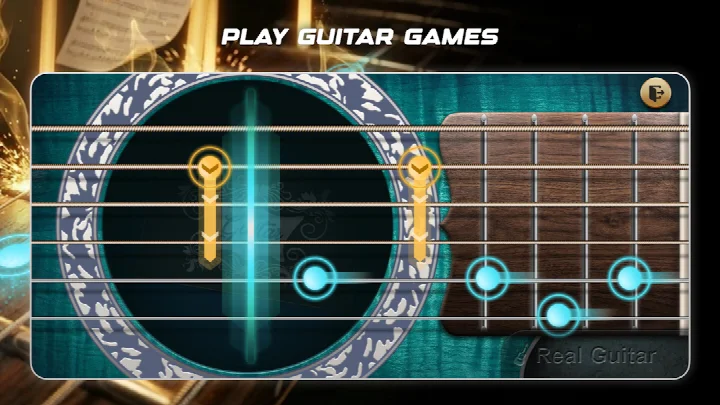
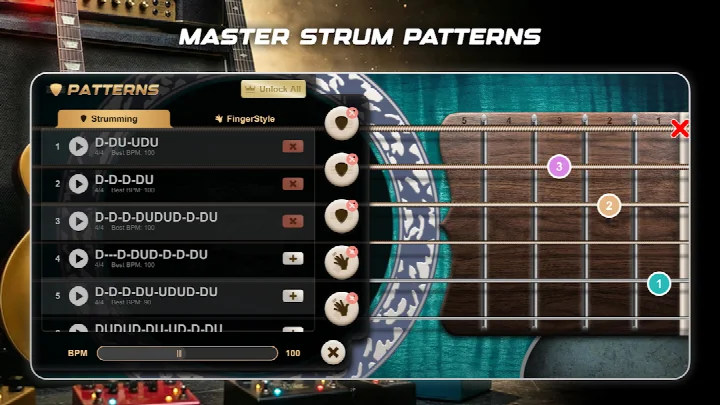
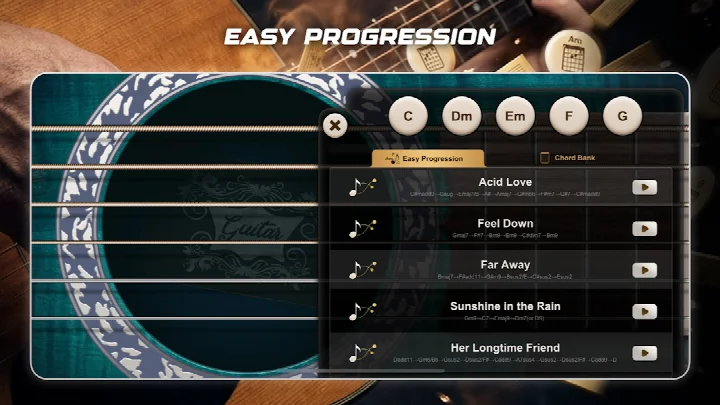
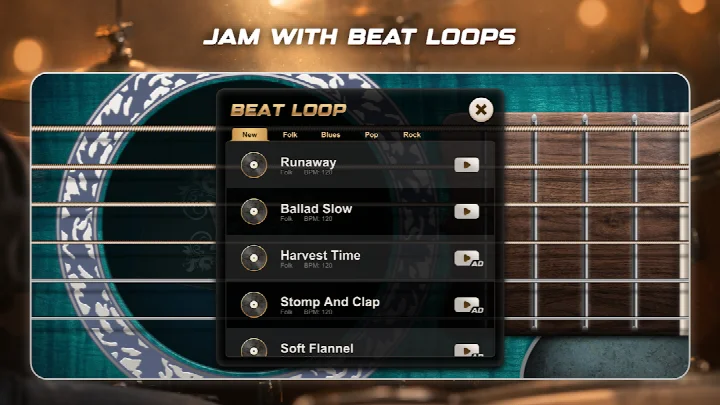
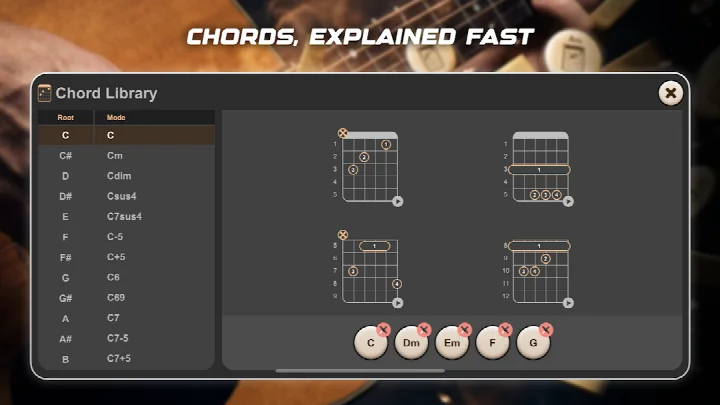
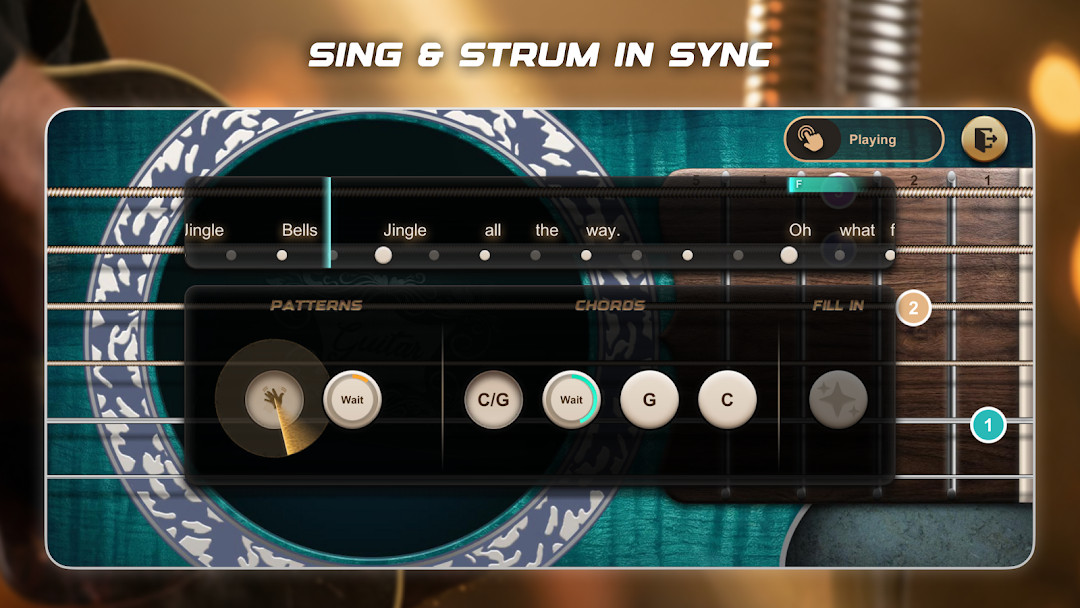
Real Guitar - Tabs and chords! is a music simulation and learning app by iGroove - Game Master that turns a phone into a virtual guitar, ukulele, or sitar. It is designed to help both beginners and experienced players practice chords, tabs, and rhythm without needing a physical instrument. The app solves the problem of limited practice time or access to a real guitar by providing a portable tool with thousands of chords, songs, and backing tracks. Users can strum, play fingerstyle patterns, or follow along with tabs while adjusting tempo to match their skill level. With a variety of guitar sounds and play modes, it creates a flexible environment for learning and casual jamming.
Key features
- Offers a chord library with more than 2000 chords and a chord finder for quick reference.
- Includes multiple guitar types such as acoustic, classic, electric with effect pedals, 12-string, sitar, and ukulele.
- Provides tabs and songs across genres like folk, country, rock, traditional, and classic.
- Supports different playing modes, including chord mode, melody game mode, and a 24-fret solo fingerboard.
- Allows tempo changes from 70 to 250 BPM for practice at your preferred speed.
- Contains backing tracks, riffs, and a looper for jamming and creating accompaniment.
- Updates with new songs daily and includes visual previews for strumming patterns.
How to install
- Tap the download button on this page to get the APK file, which is about 62 MB in size.
- When Android asks, allow your browser or file manager to install apps by enabling the 'Install unknown apps' setting.
- Open the downloaded APK file from your notifications or file manager.
- Tap Install and wait for the process to finish.
- Open the app and grant any permissions it requests, such as microphone access, if you want to use those features.
- Make sure your device runs Android 6.0 or higher before installing.
Pros
- Completely free to download and use with many included songs and chords.
- Suitable for all ages with an Everyone content rating.
- Large chord library with over 2000 chords helps with learning and reference.
- Multiple instrument sounds and effect pedals add variety to practice.
- Adjustable BPM and visual strumming previews support gradual learning.
- New songs are added regularly, keeping the content fresh.
Cons
- Includes ads, which can interrupt practice sessions.
- In-app purchases are present, so some content or features may require extra payment.
- Requests microphone permission, which may not be necessary for basic guitar simulation.
- Some advertised features, like the customized looper and solo mode, are marked as coming soon.
- The large number of options could feel overwhelming for a complete beginner at first.
What's new · 2.1.6
Version 2.1.6 added dozens of guitar songs spanning popular folk tunes to classic pop favorites. It also introduced visual previews for strumming patterns, letting users see each rhythm before playing.
Version history
| Version | Size | Requires Android | Updated |
|---|---|---|---|
| 2.1.6 | 62 MB | 6.0 | Jun 8, 2026 |
This app is best for beginners who want to learn guitar basics without buying an instrument, as well as casual players looking for a portable way to practice chords and rhythm. It can also suit more experienced musicians who want a quick reference for chord progressions or a fun rhythm game during downtime.
Start with the chord mode and a slow BPM, then gradually increase the tempo as you get comfortable. Use the chord finder when you encounter an unfamiliar chord in a song, and try the visual strumming previews to understand rhythm patterns before playing.
Permissions
Frequently asked questions
Is Real Guitar - Tabs and chords! free to download and use?
Yes, the app is free to download and use. It may contain ads and offer in-app purchases for additional content.
What Android version do I need to install the app?
The app requires Android 6.0 or higher to run properly.
How large is the download file?
The app's file size is 62 MB, so make sure you have enough free storage space on your device before downloading.
Do I need to create an account to use the app?
No, the app does not require you to create an account. You can start playing and exploring tabs and chords right after installation.
What permissions does the app request?
The app requests access to your device's microphone. This is likely used for features that detect audio input, such as playing along with your guitar or singing.
How do I update the app to the latest version?
To update, simply download the newest version from this page and install it over your current installation. The latest available version is 2.1.6, released on June 8, 2026.
For a free music app with a large song and chord library, Real Guitar offers plenty to explore without needing a physical instrument. Beginners can get a feel for rhythm and chords, though the ads and in-app purchases may slow the experience down.
Similar apps
 Music Ballz HopSAMFEN LIMITED4.6
 Dancing Hair: Dress UpTINYMAX HONGKONG LIMITED4.2
 Friday Night Funkin'The Funkin' Crew Inc.4.8
 CytusRAYARK4.6
 Simple Drums - Drum KitTPVapps4.3
 Vlad and Niki: Kids PianoHippo Kids Games4.6
 Dancing Cats: Duet MeowSensor Notes Global4.3
 (light) learn sight read musicngfSoft4.2
Updated: Oct 21, 2026