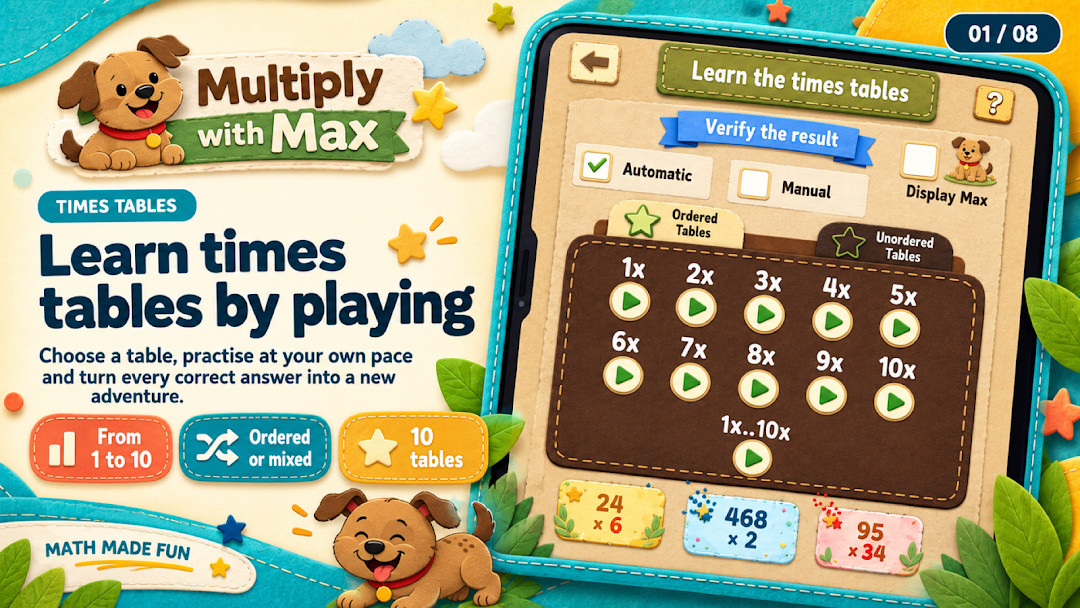

Multiply with Max: Educational Math Game
Multiply with Max is an educational math game by MMeGAMES that helps kids practice multiplication tables through daily sessions and mini-games.
Download Multiply with Max · v9.3Multiply with Max is a free educational game for elementary school children that uses adaptive review and mini-games to build multiplication skills. It requires Android 7.0 or higher and has a download size of about 50 MB. The game is available in English and Spanish and tracks progress on the device without needing an account.
- Version
- 9.3
- Requires Android
- 7.0
- Updated
- Oct 22, 2026
- Installs
- 500K+
- Rating
- ★ 4.48 (6,543)
- Category
- Educational
- Developer
- MMeGAMES
- Content rating
- Everyone
- Package
- com.mmicoe.elementaryschoolmultiply.android
- Free
- ✓ · Contains ads
App screenshots
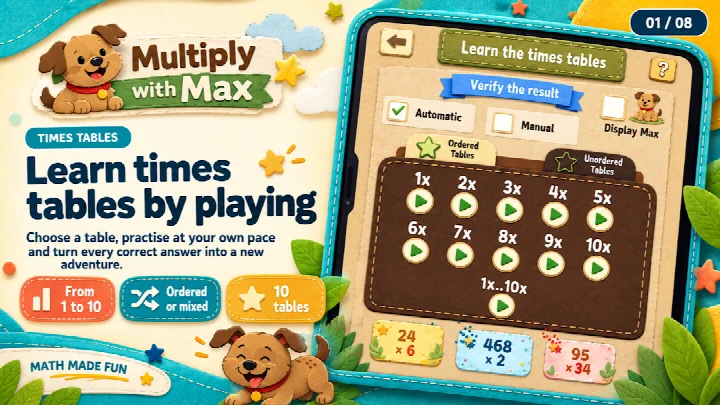
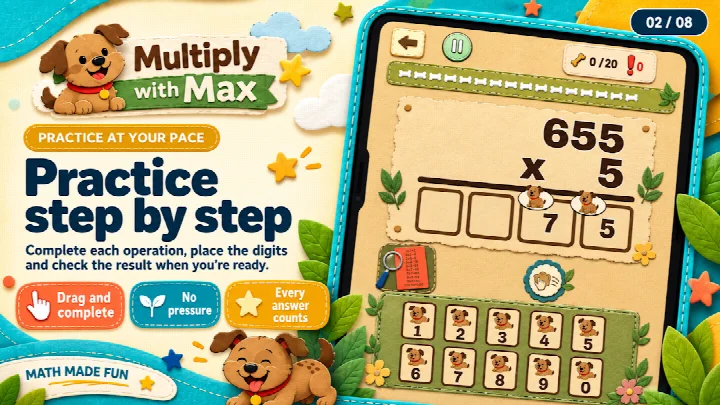
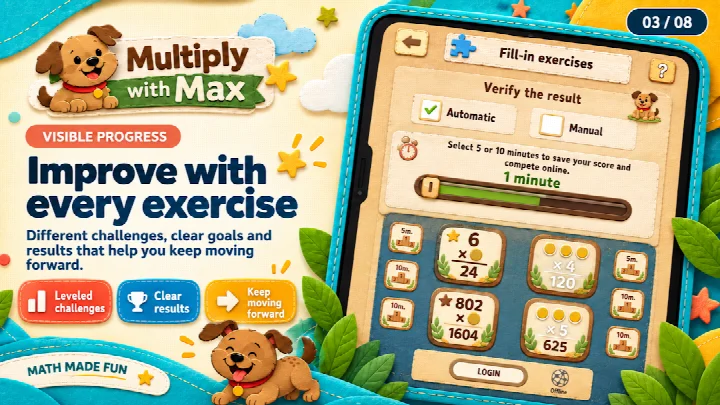
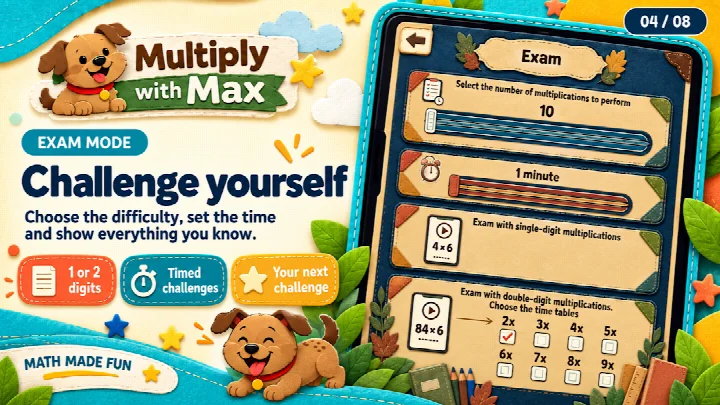
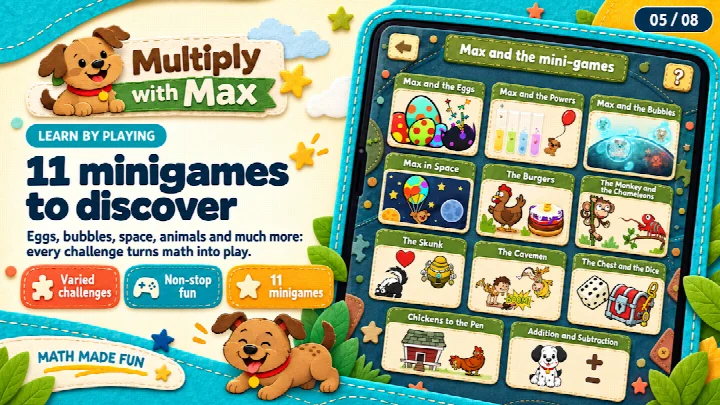
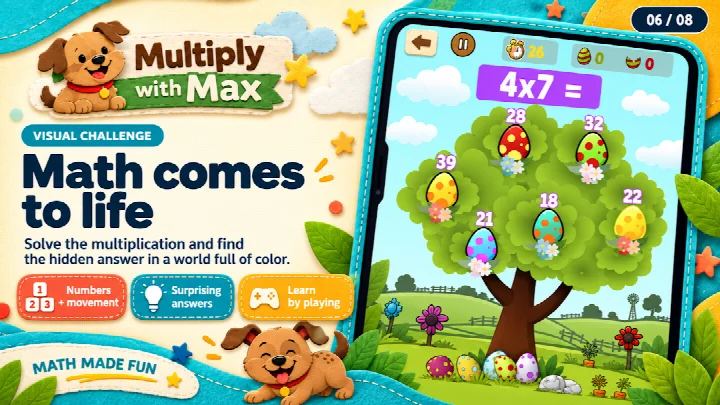
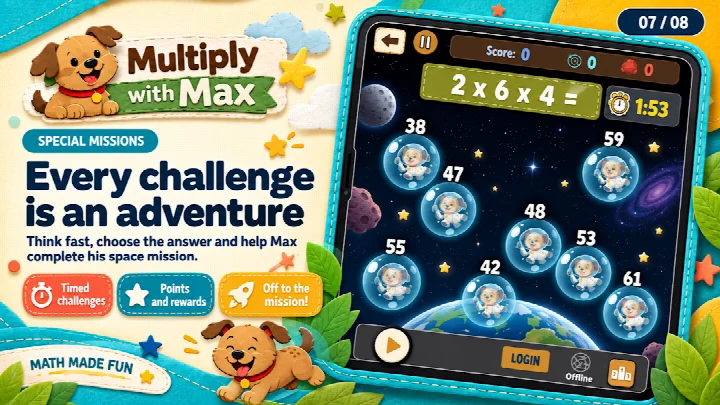
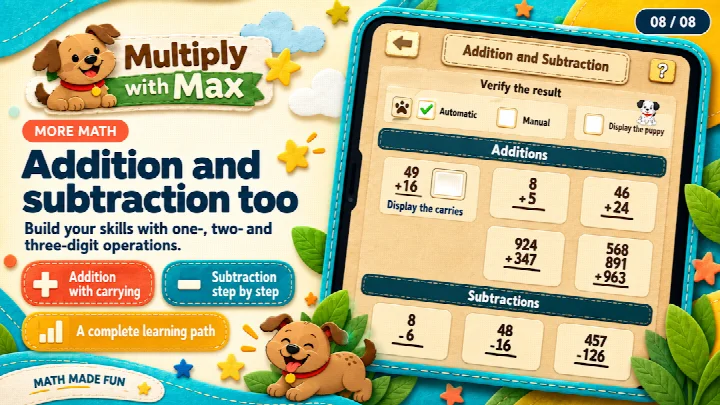
Multiply with Max is an educational math game by MMeGAMES that helps elementary school children learn multiplication tables through short daily sessions, adaptive review, and mini-games. The app, updated to version 9.3, introduces a guided first mission of 10 challenges that takes about three minutes, with a reward at the end; after that, Today's Practice offers 12 challenges. Kids can resume unfinished sessions and repeat them whenever they like, making practice flexible and pressure-free. The adaptive review system brings harder multiplication facts back alongside familiar ones to build confidence, and optional hints provide explanations after mistakes, with visual aids to support understanding. The game tracks which facts are mastered and which need more practice, revisiting them over time for lasting learning. A weekly goal of practicing on three days is flexible—missing a day does not erase learning or rewards. Progress is followed through the times tables from 1 to 10, with paws earned by recalling facts and badges for using strategies; learning milestones unlock gifts to personalize Max's corner, and all rewards come from learning, never by chance. Beyond multiplication, the app offers quizzes, challenges, word problems, and mini-games covering addition, subtraction, and even long division in a four-level game where kids drag number tiles step by step. A protected family area, always accessible from the home screen, shows accuracy and fluency separately, which facts a child is learning or has mastered, and how progress changes over time without punitive streaks. It also highlights difficult question types and helpful strategies, and families can start a short practice session focused on what needs review. Educational progress stays on the device—no name, email, account, or contacts are needed. The app is available in English and Spanish and can be used at home or in the classroom.
Key features
- Guided first mission of 10 challenges with a reward
- Daily 12-challenge practice with streaks, weekly goals, and rewards
- Adaptive review that revisits harder facts over time
- Optional hints and visual aids after mistakes
- Progress tracking through times tables from 1 to 10
- Paws, badges, and unlockable gifts for Max's corner
- Quizzes, timed challenges, and word problems
- Mini-games for addition, subtraction, and long division
- Automatic or manual answer modes
- Protected family area showing accuracy, fluency, and progress
How to install
- Tap the download button on this page to get the APK file.
- When Android asks, allow your browser or file manager to install apps by enabling the 'Install unknown apps' setting.
- Open the downloaded APK file from your notifications or downloads folder.
- Tap Install and wait for the process to finish.
- Open the app from your home screen or app drawer. The file size is n/a, and the minimum Android version is 7.0.
Pros
- Adaptive review targets weak areas
- Rewards are earned through learning, not chance
- Family area provides detailed progress insights
- No account or personal data required
- Available in English and Spanish
- Flexible weekly goal that doesn't punish missed days
Cons
- Contains ads, which may distract younger children
- Requires permissions for phone, storage, and device ID, which some parents may question
What's new · 9.3
Version 9.3 of Multiply with Max introduces a guided first mission of 10 challenges to help kids get started easily, followed by a daily 12-challenge practice that includes streaks, weekly goals, and rewards. Family progress is now always available, along with optional learning tips. The update also includes better-spaced ads and interface improvements.
Version history
| Version | Size | Requires Android | Updated |
|---|---|---|---|
| 9.3 | — | 7.0 | Oct 22, 2026 |
| 9.2 | 110 MB | 7.0 | Sep 25, 2026 |
Multiply with Max is ideal for elementary school children learning multiplication tables, parents who want a detailed view of their child's math progress, and teachers looking for a classroom-friendly practice tool that works offline on a single device.
Set a consistent three-day weekly practice routine with your child, and use the family area to identify which facts need extra focus; then start a short review session targeting those specific facts to build confidence quickly.
Permissions
Frequently asked questions
How do I install the APK on Android?
Download the APK file from this page and open it on your device. If prompted, allow installation from unknown sources in your Android settings. The app requires Android 7.0 or higher.
What is new in version 9.3?
Version 9.3, released on October 22, 2026, introduces a guided first mission of 10 challenges, a daily 12-challenge practice with streaks and weekly goals, always-available family progress with optional learning tips, and improved ad spacing along with interface improvements.
Does the app contain ads or in-app purchases?
The app is free and includes ads, but it has no in-app purchases. All rewards are earned through learning, not by chance or payment.
Can the app be used offline or without creating an account?
Yes. Educational progress is stored locally on the device, and no name, email address, account, or contacts are needed to play. This means the app can be used without an internet connection for its core learning features.
Are there similar educational apps for practicing multiplication?
Yes, several other educational math apps offer times table practice, quizzes, and mini-games for children. However, Multiply with Max stands out with its adaptive review, family progress area, and reward system tied to learning milestones.
What permissions does the app request?
The app requests access to Phone, Photos/Media/Files, Storage, and Device ID & call information. These permissions are typically used for standard Android functionality and ad delivery.
Multiply with Max is a well-designed educational game that turns multiplication practice into a rewarding, pressure-free experience. Its adaptive review and detailed family area set it apart, though the presence of ads and some permissions are worth noting. Overall, it is a solid choice for families and classrooms seeking to build math confidence through play.
Similar apps
 Like Nastya: Party TimeLike Nastya Official4.7
 Baby Games: Shapes and ColorsBimi Boo Kids Learning Games for Toddlers FZ-LLC4.4
 Easy coloring book for kidsKakadoo4.1
 Christmas Coloring Book GamesTeachersParadise.com3.9
 English for Beginners: LinDuoLinDuo4.9
 Vowels for children 3 5 yearsilugon4.2
 Kahoot! Kids: Learning GamesKahoot!4.7
 Galaxy Kids - Learning EnglishGalaxy Kids Global3.4
Updated: Nov 3, 2026