Doodle | Magic Joy - Creative Drawing Tool
Doodle | Magic Joy is a free drawing app by DrawAPP that lets you create colorful doodles and watch your drawings play back as cartoons.
Get the App · v1.8.0Doodle | Magic Joy is a free drawing app by DrawAPP that offers a cartoon playback mode, various magical brushes, and over 10 doodle patterns. The app is 68 MB in size, requires Android 5.0 or higher, and includes ads and in-app purchases. It is designed for anyone who enjoys creative doodling and wants a simple way to make unique artworks.
- Version
- 1.8.0
- Size
- 68 MB
- Requires Android
- 5.0
- Updated
- May 30, 2025
- Installs
- 10M+
- Rating
- ★ 4.55 (209,918)
- Category
- Casual
- Developer
- DrawAPP
- Content rating
- Everyone
- Package
- com.drawapp.magicdoodle
- Free
- ✓ · Contains ads · In-app purchases
App screenshots
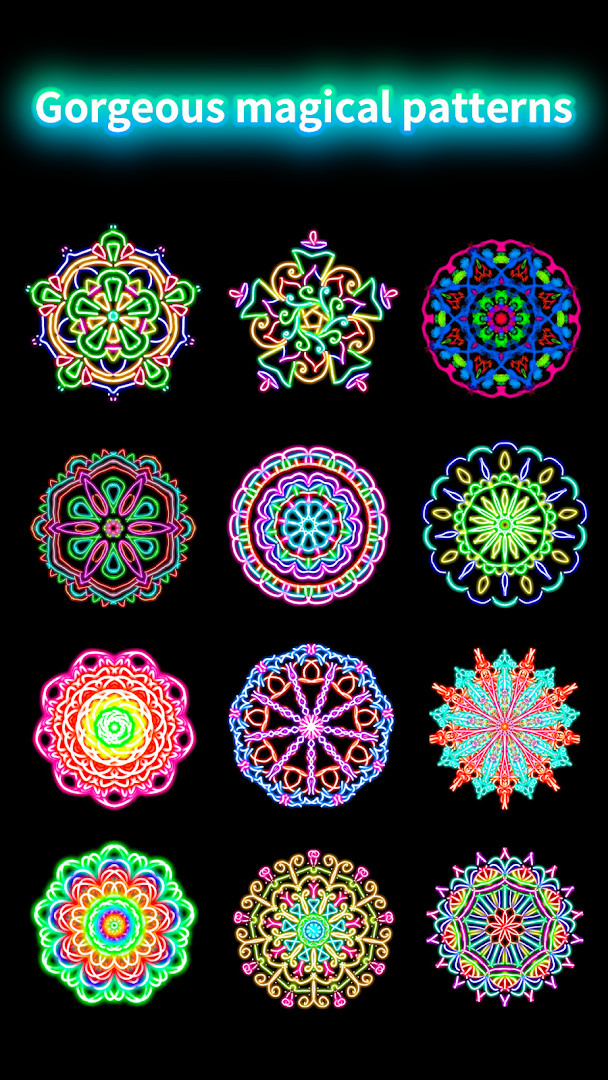
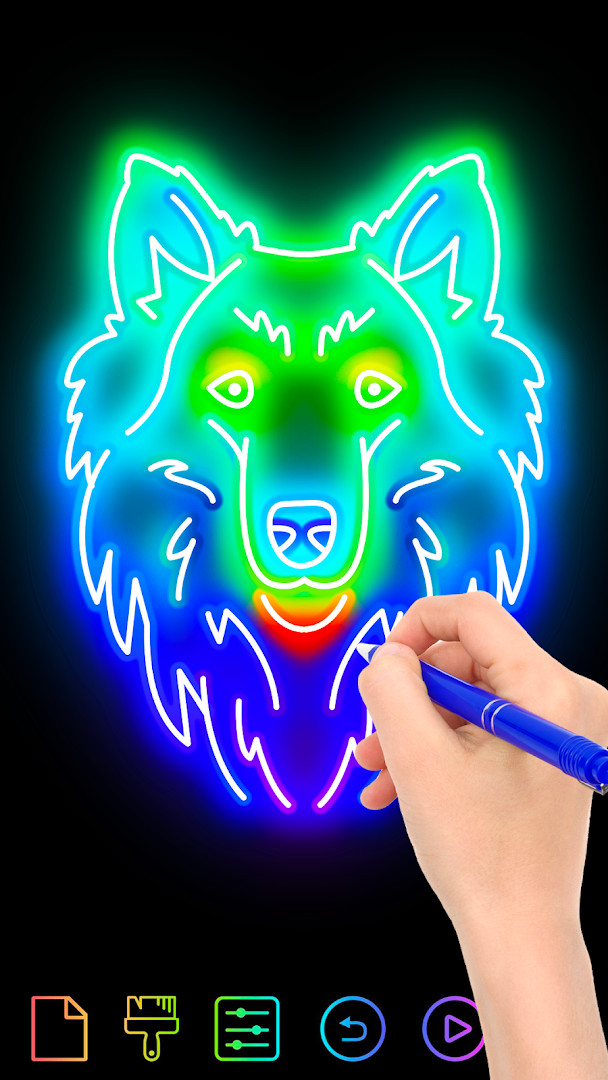
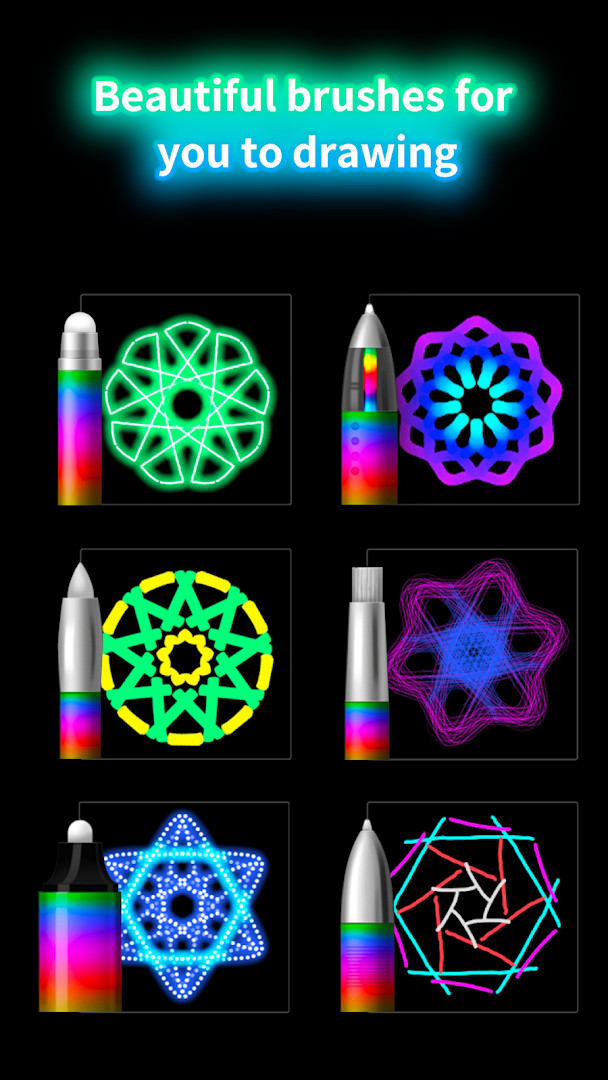
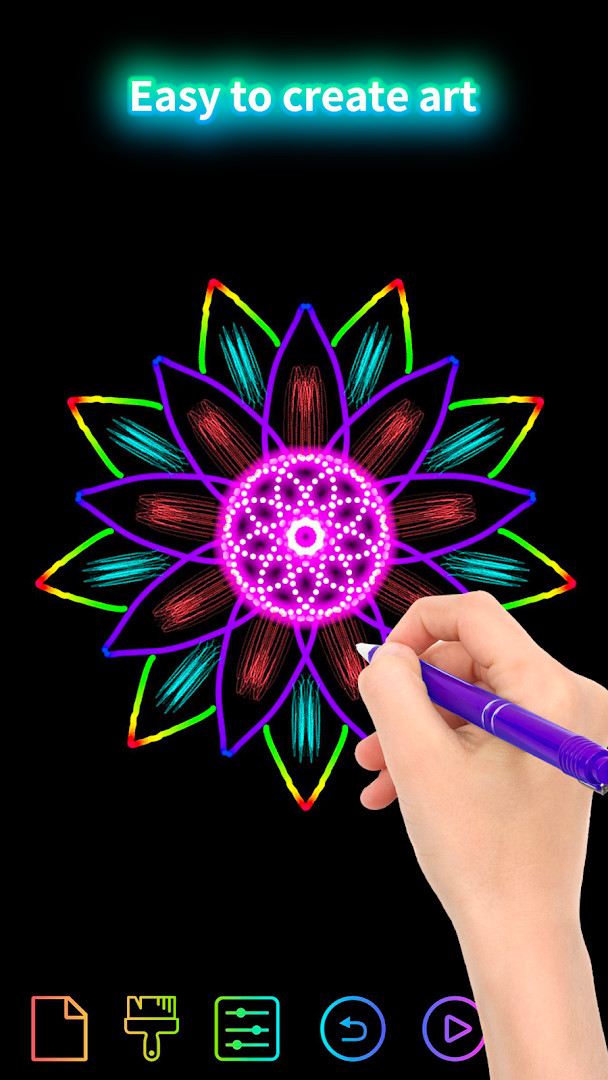
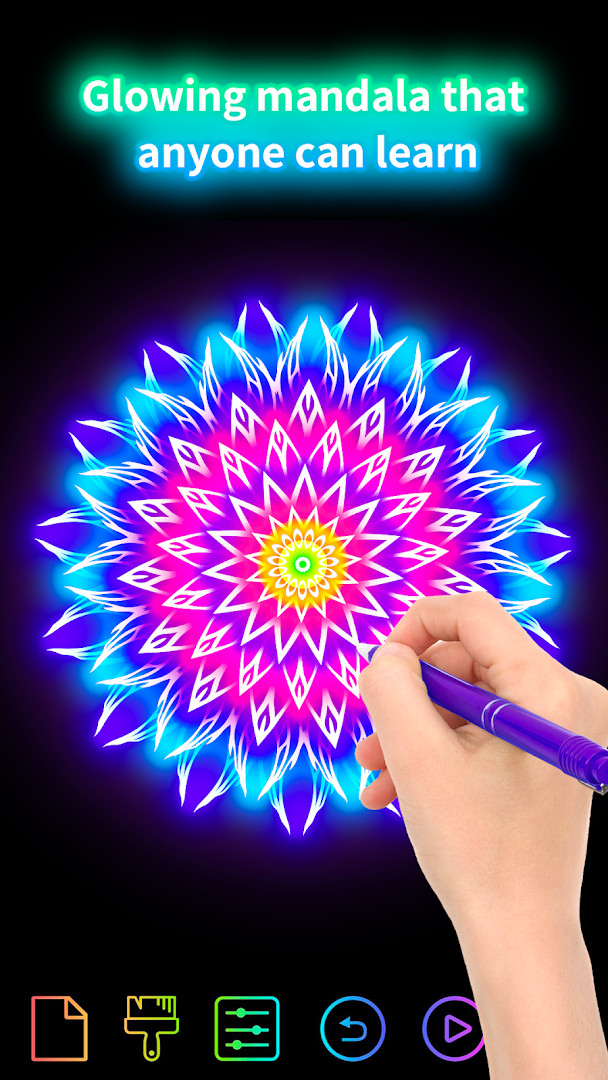
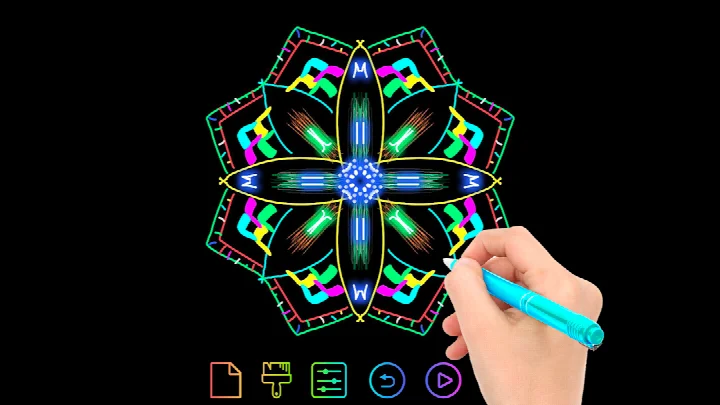
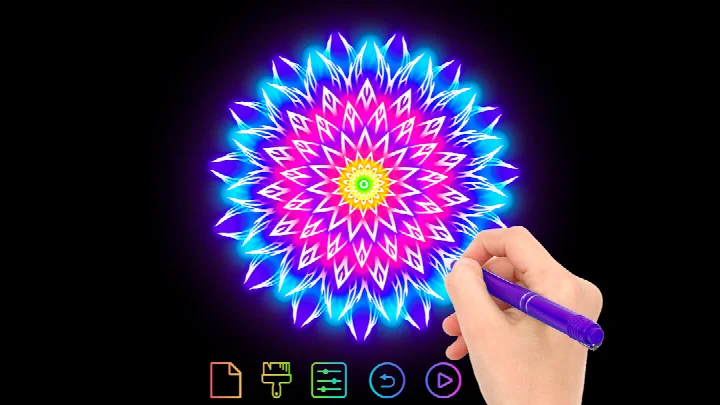
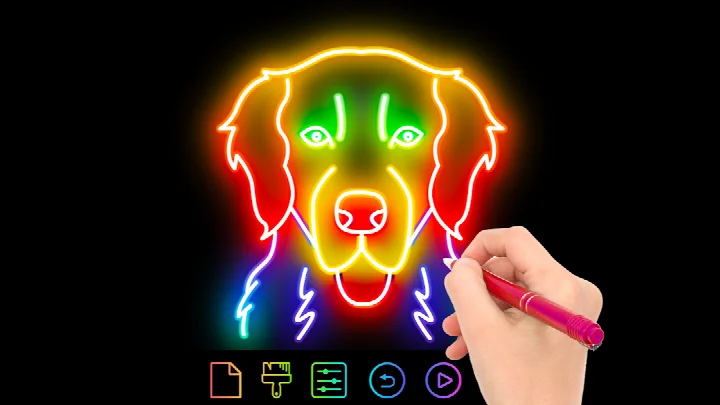
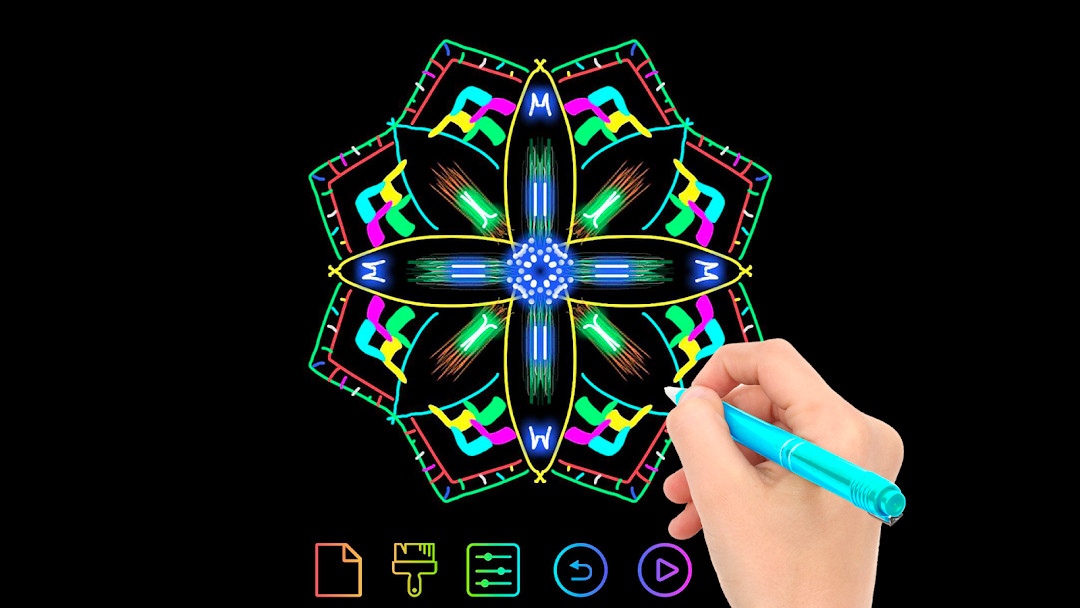
Doodle | Magic Joy is a doodle game by DrawAPP that lets you draw freely and replay the entire drawing process as a short animated cartoon. The app is aimed at people who want a simple creative outlet: there are no complex layers, masks, or steep learning curves, just a canvas, a set of colorful brushes, and a handful of decorative patterns. Every stroke is turned into a tiny animation, so a few quick scribbles can become a mesmerizing mandala flower or kaleidoscope pattern. The focus is on immediate, fuss-free fun rather than technical drawing skills, which makes it a good choice for relaxing breaks or casual play sessions with children.
Key features
- Cartoon mode that replays the doodle process as an animation
- A selection of magical paintbrushes, including rainbow, neon, and pearl styles
- Random color variation that adds unexpected combinations to each stroke
- More than ten different doodle patterns to choose from
- A personal gallery where finished drawings can be kept and displayed
- Simple controls that make the drawing process easy to pick up
- Creates unique mandala flowers and kaleidoscope-style patterns with each work
How to install
- Tap the download button on this page to get the APK file, which is about 68 MB.
- Make sure your device runs Android 5.0 or newer before installing.
- When Android asks, allow your browser or file manager to install apps using the Install unknown apps setting.
- Open the downloaded APK file from your notifications or Downloads folder.
- Tap Install and wait for the process to finish.
- Open the app and start your first doodle.
Pros
- Free to download and use
- Very easy to start drawing without any setup
- Cartoon playback makes even simple doodles entertaining
- Multiple brush types keep the visuals interesting
- Built-in gallery for saving and showing off artwork
- Playful style that works well for kids and adults alike
Cons
- Contains ads that may interrupt the experience
- Offers in-app purchases for additional content
- Requests access to photos, storage, and the camera, which feels broad for a drawing toy
- Also asks for Wi-Fi connection information
What's new · 1.8.0
Version 1.8.0 focuses on technical refinements rather than new features. The update improves the overall gaming experience, with enhancements to stability and performance. No additional tools, patterns, or modes were introduced in this release; the changes are primarily behind-the-scenes optimizations. The app remains a doodle game with cartoon playback, various brushes, and gallery features.
Version history
| Version | Size | Requires Android | Updated |
|---|---|---|---|
| 1.8.0 | 68 MB | 5.0 | May 30, 2025 |
| 1.7.10 | 67 MB | 5.0 | Oct 7, 2024 |
| 1.7.11 | 69 MB | 5.0 | Oct 7, 2024 |
This app suits anyone who enjoys low-pressure, playful drawing. Children can experiment with bright colors and simple strokes, while adults might use it as a quick way to unwind during a break or commute. Because the controls are minimal and the results are always colorful, it also works well for families who want to doodle together or for people who like making decorative patterns but have no interest in full-featured art software.
Try switching between rainbow, neon, and pearl brushes as you draw to see how the random color variation changes the mood of your work. After finishing a doodle, use the cartoon playback and the gallery to review your drawing, and do not worry about mistakes since every stroke can become part of the animation.
Permissions
Frequently asked questions
What makes Cartoon mode different from the normal doodling view?
In Cartoon mode, the app replays your doodling process as a cartoon, letting you watch how a drawing was built step by step.
Which brush tools and doodle patterns are included in Doodle | Magic Joy?
The app includes rainbow, neon, and pearl brushes, plus more magical paintbrushes. It also offers over 10 doodle patterns and random color variation.
Can I save and view my finished doodles inside the app?
Yes. The My Gallery feature is designed to display your drawings and let you present your work like an artist.
What device permissions does the app request?
The listed permissions cover photos and media, files, storage, camera, and Wi-Fi connection information.
How much space does the app take and what is the minimum Android version?
As of the May 30, 2025 update, the installed file size is 68 MB, and it requires Android 5.0 or newer.
Doodle | Magic Joy is a cheerful, low-friction drawing app that fits well into a casual doodling session. If you enjoy watching your creations turn into quick cartoons, this app is worth a try.
Similar apps
 Merge Fashion: Romance StoryInfiniplay-Game4.9
 Dominoes: Classic Online GameAppgeneration4.7
 Cozy Home: Dream Storage BoxABI GAME4.4
 Mermaid Princess Fashion Doll Makeup Salonfreebabygames5
 Enigma V+ be a mastermind.ZingMagic Limited4.8
 Mahjong Empire ConnectAlamar Studios4.4
 Crime Casegamezone4.2
 Andy's Garden Decoration Landscape Cleaning GameDCB Australia
Updated: Oct 20, 2026