Gamuroid: All Game Emulator - Retro Console Playback
Gamuroid: All Game Emulator is a free app by RETRO GAMING LABS that lets you play classic games from multiple consoles on your Android device.
Get Gamuroid · v2.8.5Gamuroid: All Game Emulator is a free emulator with a 4.09 rating from 1,380 ratings and over 100,000 installs. It requires Android 7.0 or higher and includes ads and in-app purchases. The app is aimed at retro gaming fans who want customizable touch controls, gamepad support, and features like cloud saves and display filters.
- Version
- 2.8.5
- Requires Android
- 7.0
- Updated
- Oct 7, 2026
- Installs
- 100K+
- Rating
- ★ 4.09 (1,380)
- Category
- Arcade
- Developer
- RETRO GAMING LABS
- Content rating
- Everyone
- Package
- com.allinone.retro.emulator.gt
- Free
- ✓ · Contains ads · In-app purchases
App screenshots
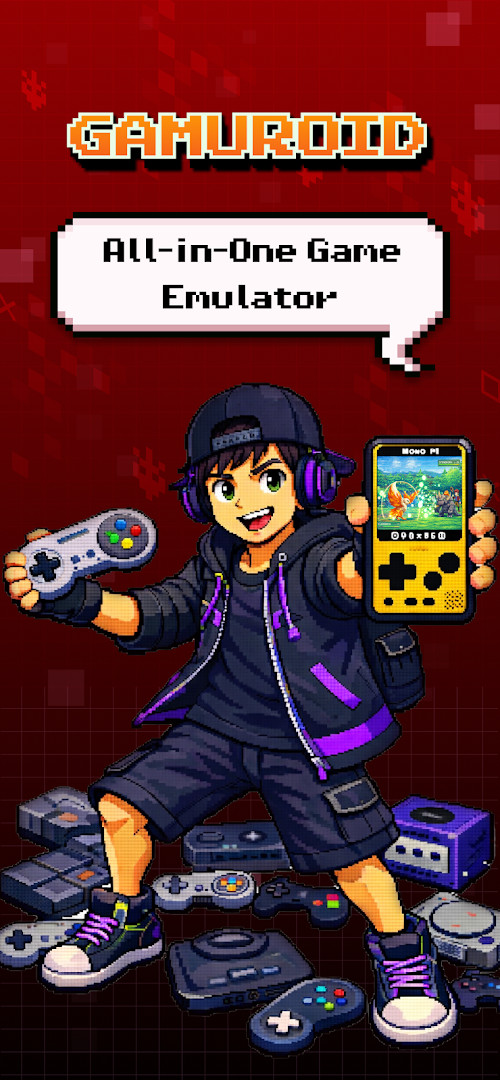
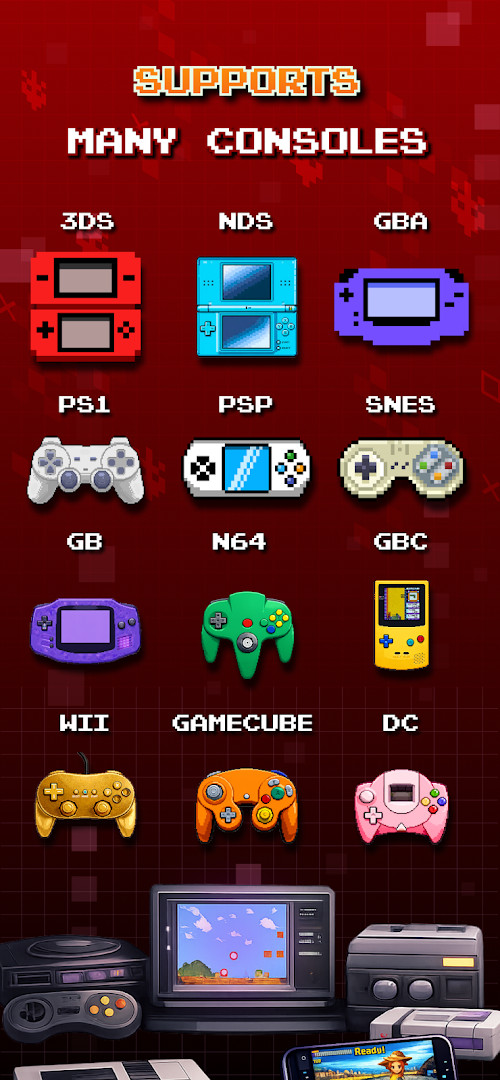
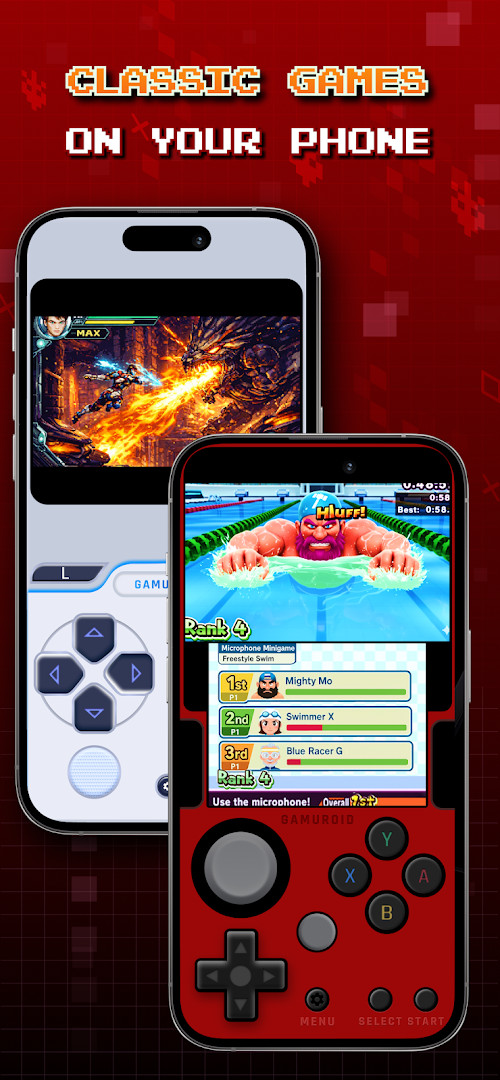
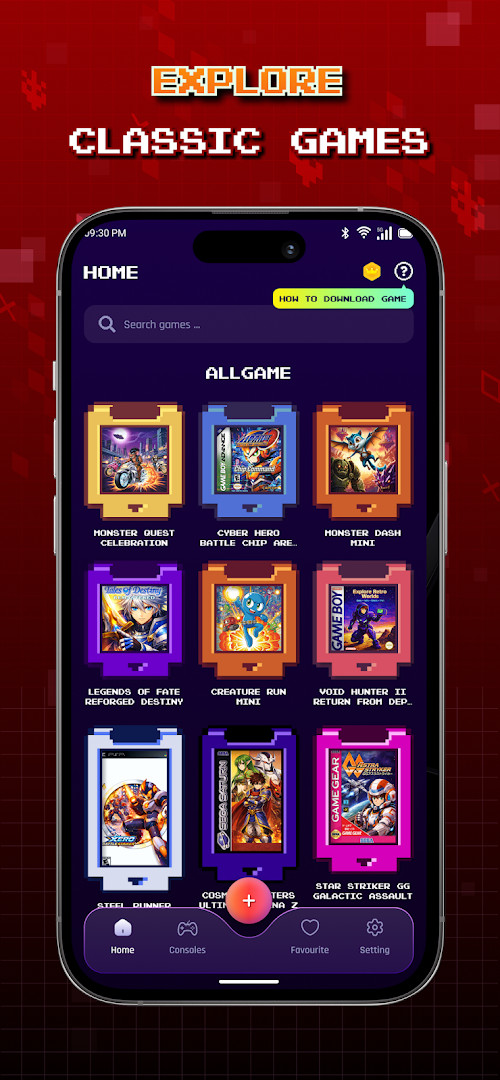
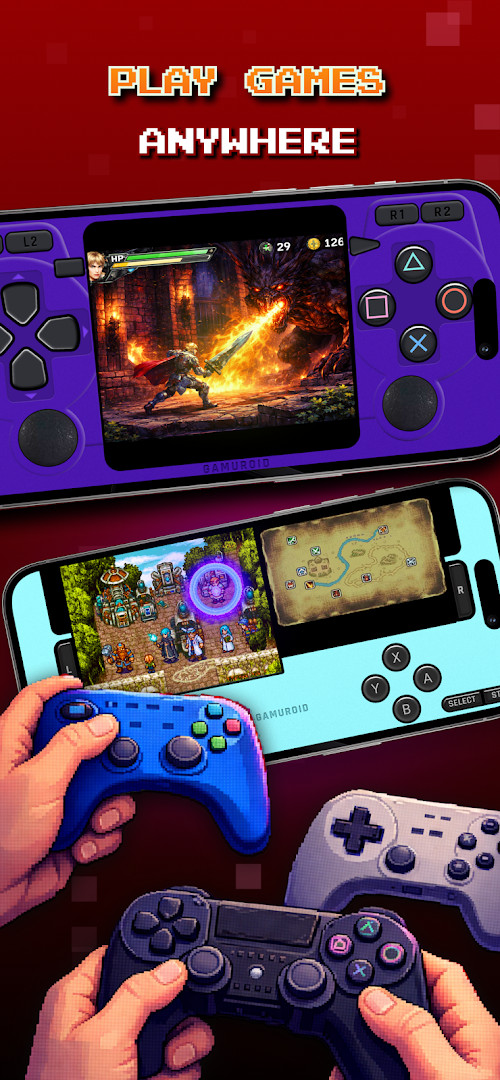
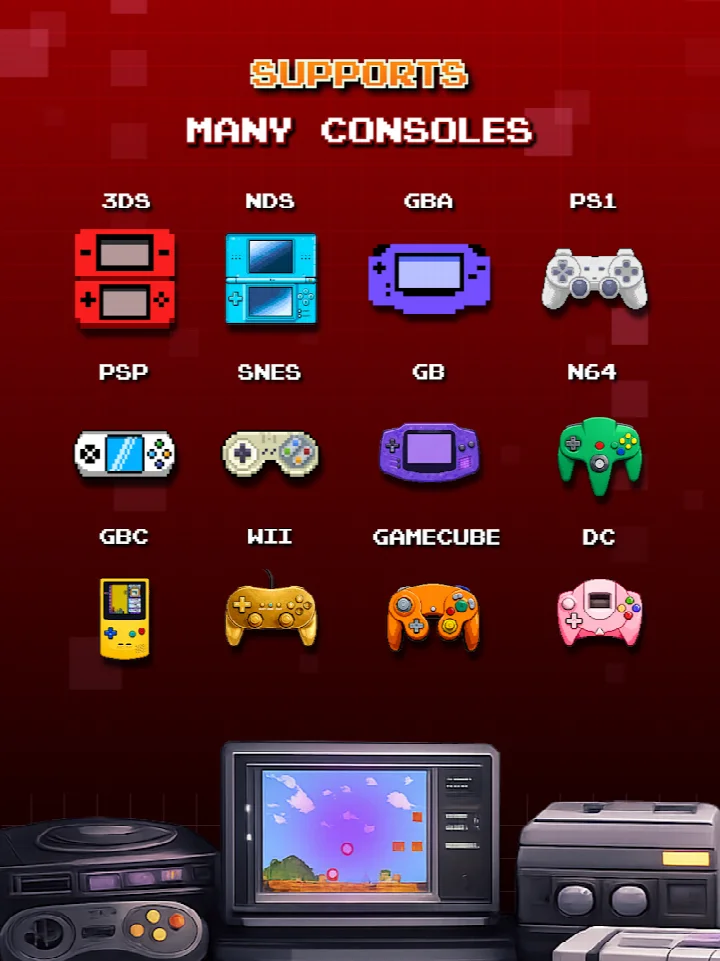
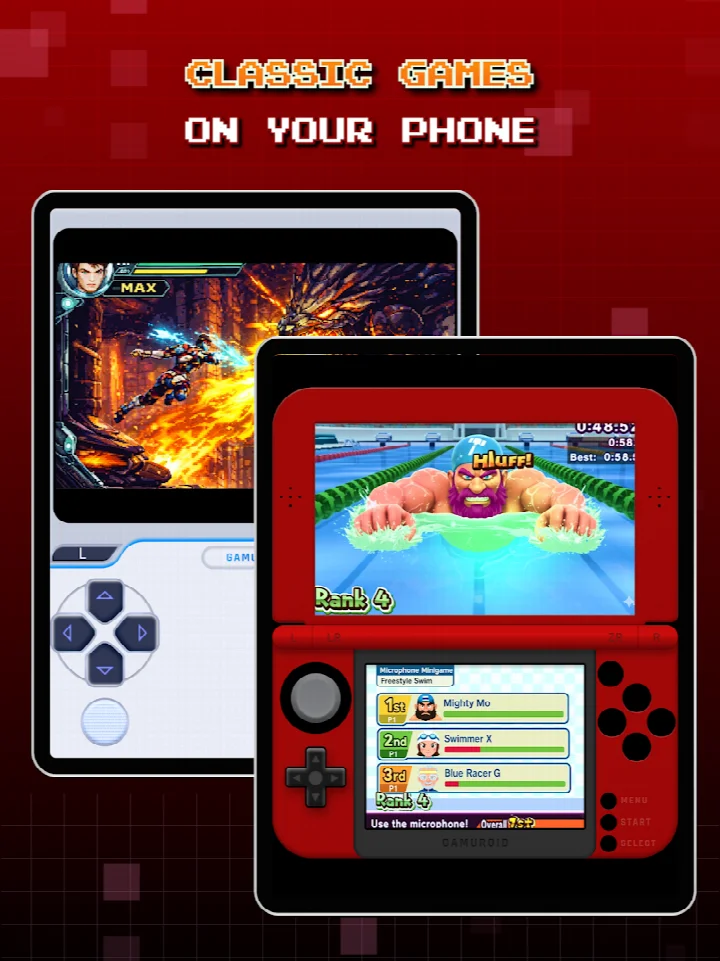
Gamuroid: All Game Emulator is a retro gaming app by RETRO GAMING LABS that brings classic console emulation to Android devices. It is built for people who want to replay older handheld and home systems without needing extra hardware, with a focus on speed, smoothness, and customization. The app can scan and index ROMs you provide, supports zipped files, and keeps save states organized in multiple slots.
For everyday play, touch controls can be resized and repositioned, Bluetooth and USB gamepads are supported, and a tilt-to-stick option covers motion-based games. Fast-forward mode skips slow cutscenes or grinding, while LCD and CRT display filters change the look of retro titles. Cloud save sync helps keep progress consistent across devices, and local multiplayer lets several gamepads connect to one device for same-screen sessions.
Because this is an emulator, it does not include any games. You must supply your own legally owned ROM files, and performance depends on your hardware; more demanding consoles need a powerful phone or tablet. The app is free to install, but it contains ads, offers in-app purchases, and requests permissions such as storage, camera, microphone, and Wi-Fi connection information.
Key features
- Automatic save and restore of game states
- Quick save and load with multiple slots
- ROM scanning and indexing for fast library setup
- Support for zipped ROM files
- Optimized touch controls with customizable size and position
- Gamepad support for Bluetooth and USB controllers
- Tilt-to-stick support for motion-based gameplay
- Fast-forward mode to skip slow cutscenes or grinding
- LCD and CRT display simulation filters
- Cloud save sync across devices and local multiplayer with multiple gamepads
How to install
- 1. Tap the download button on this page to get the APK file; the file size is not listed.
- 2. If Android asks, allow your browser or file manager to install apps by enabling the "Install unknown apps" setting.
- 3. Open the downloaded APK file from your Downloads folder or notification.
- 4. Tap Install and wait for the process to finish; the app requires Android 7.0 or newer.
- 5. Open Gamuroid from your app drawer and add your own legally owned ROM files.
Pros
- Free to install
- Multiple save slots with automatic state management
- Broad control options: touch, gamepad, and tilt
- Cloud save sync and local multiplayer on one device
- Display filters and fast-forward for convenience
- Current version 2.8.5 updated in October 2026
Cons
- Contains ads and offers in-app purchases
- No games included; you must provide your own legally owned ROM files
- Requests access to storage, camera, microphone, and Wi-Fi information
- Performance varies; advanced systems need a powerful device
- File size is not specified, so download requirements are unclear
Version history
| Version | Size | Requires Android | Updated |
|---|---|---|---|
| 2.8.5 | — | 7.0 | Oct 7, 2026 |
Retro gaming fans who already own ROM files and want a feature-rich emulator with customizable controls, cloud saves, and local multiplayer on an Android phone or tablet.
Turn on cloud save sync before starting a long session so progress is backed up, and adjust touch control size and position for the games you play most. For action titles, a Bluetooth or USB gamepad gives better accuracy. Always use your own legally obtained ROM files.
Permissions
Frequently asked questions
Is Gamuroid: All Game Emulator free to use?
Yes, the app is free to download and use. It is listed with a price of 0.00 USD, though it does contain ads and offers in-app purchases.
What Android version do I need to install Gamuroid?
Gamuroid requires Android 7.0 or higher. The current app version is 2.8.5, updated on October 7, 2026.
Does Gamuroid require an account to play games?
No, you do not need an account to use the emulator. The app does offer cloud save sync across devices, which may require signing in if you choose to use that feature.
What permissions does Gamuroid ask for?
Gamuroid requests access to photos, media, and files, storage, camera, microphone, and Wi-Fi connection information. These permissions are used for features like ROM scanning, cloud saves, and local multiplayer.
How do I update Gamuroid to the latest version?
To update, simply download the newest version from this page and install it over your current installation. The latest available version is 2.8.5, released on October 7, 2026.
Does Gamuroid include any games?
No, Gamuroid does not contain any games. You must provide your own legally owned ROM files to play classic titles across supported retro systems.
Gamuroid: All Game Emulator is a practical, feature-packed way to enjoy classic games on Android. With strong save management, flexible controls, and cloud sync, it is a solid choice as long as you bring your own ROMs and accept the ads and permissions that come with the free version.
Similar apps
 Paper Boy Race: Running gameFreeplay Inc4.6
 Color Switch: Endless Play FunColor Switch Phoenix LLC4.6
 TOYS: Crash ArenaMAD PIXEL GAMES LTD4.6
 Fruits CutTINY WINGS3.6
 Wing FighterMINIGAME ENTERTAINMENT LIMITED4.4
 Bouncing Rainbow: Calm ClickerCASUAL AZUR GAMES3.4
 Cooking Express 2 GamesGameiCreate4.9
 Sure ShotMDickie3.3
Updated: Nov 3, 2026